
Calibrating an antenna rotor controller ensures accurate beam headings and repeatable antenna positioning. Additionally, proper calibration prevents mechanical strain and accidental over-rotation. Many operators depend on calibration to match displayed headings with true antenna direction. Therefore, calibration becomes essential after installation, repairs, or severe weather events.
Preparing the System for Calibration
First, power down the rotor controller and disable any automatic rotation features. Additionally, inspect the mast, rotor, and antenna for smooth and unrestricted movement. However, check control cables and connectors for corrosion or loose connections. Consequently, reliable electrical signals support accurate calibration results.
Different brands may have their own calibration method, follow those instructions for calibrating as well.
Establishing a Mechanical Reference
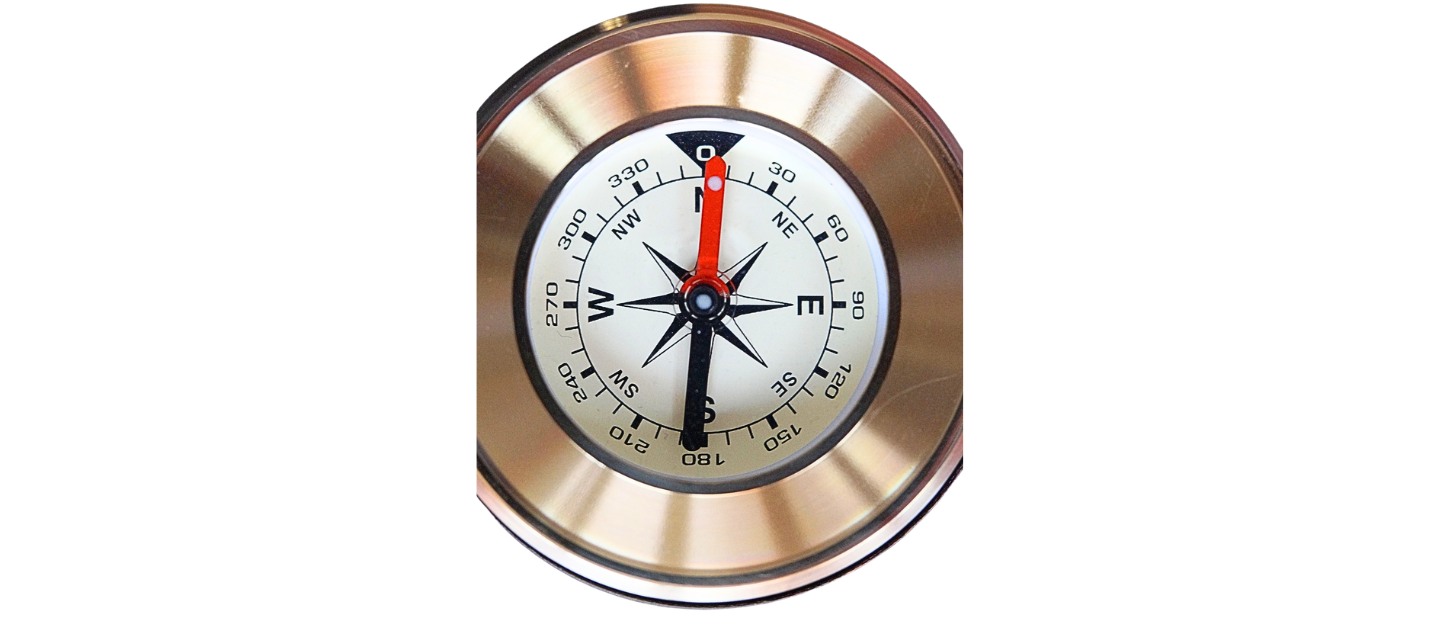
Next, rotate the antenna to a known reference direction, typically true north. Additionally, use a compass, GPS, or map reference for precise alignment. However, correct for magnetic declination when relying on a compass reading. Therefore, a solid mechanical reference creates a dependable calibration starting point.
Understanding the 10–11 Degree Offset
Magnetic north does not match true north in most locations. Therefore, a compass often points several degrees away from true north. In many parts of the U.S., that offset ranges from about 10 to 11 degrees. Additionally, the exact value depends on your geographic location. As a result, ignoring this offset causes every rotor heading to be consistently wrong.
Applying the Offset During Calibration
When you use a compass to set your reference direction, you must compensate for magnetic declination. Therefore, if your declination is 10 degrees west, you aim the antenna 10 degrees east of the compass reading. Additionally, if declination is 10 degrees east, you aim 10 degrees west of the compass reading. Consequently, the antenna aligns with true north instead of magnetic north.
Why the Offset Matters in Operation
If you skip the offset, the rotor controller displays headings that never match real-world directions. Moreover, DX paths and beam headings suffer because the antenna points away from intended targets. As a result, even a perfectly calibrated controller performs poorly without declination correction.
Aligning the Controller Display
Then, adjust the rotor controller display to match the reference direction. Additionally, follow the manufacturer procedure for zeroing or centering the indicator. However, make small adjustments to avoid overshooting the correct position. Consequently, the controller now reflects the antenna’s actual orientation.
Calibrating an Antenna Rotor Controller
Next, rotate the antenna through several headings to verify consistent accuracy. Additionally, compare physical antenna direction with controller readings at each stop. However, repeat adjustments if errors appear across the rotation range. Finally, recheck calibration after storms or maintenance. As a result, a calibrated antenna rotor controller delivers reliable and precise directional control.
Please consider Donating to help support this channel